UFO Versus Drone Footage and What It Reveals
UFO versus drone footage can look almost identical at night. Learn the clues worth documenting before you label a light in the sky unexplained on camera.
 Haunting Team
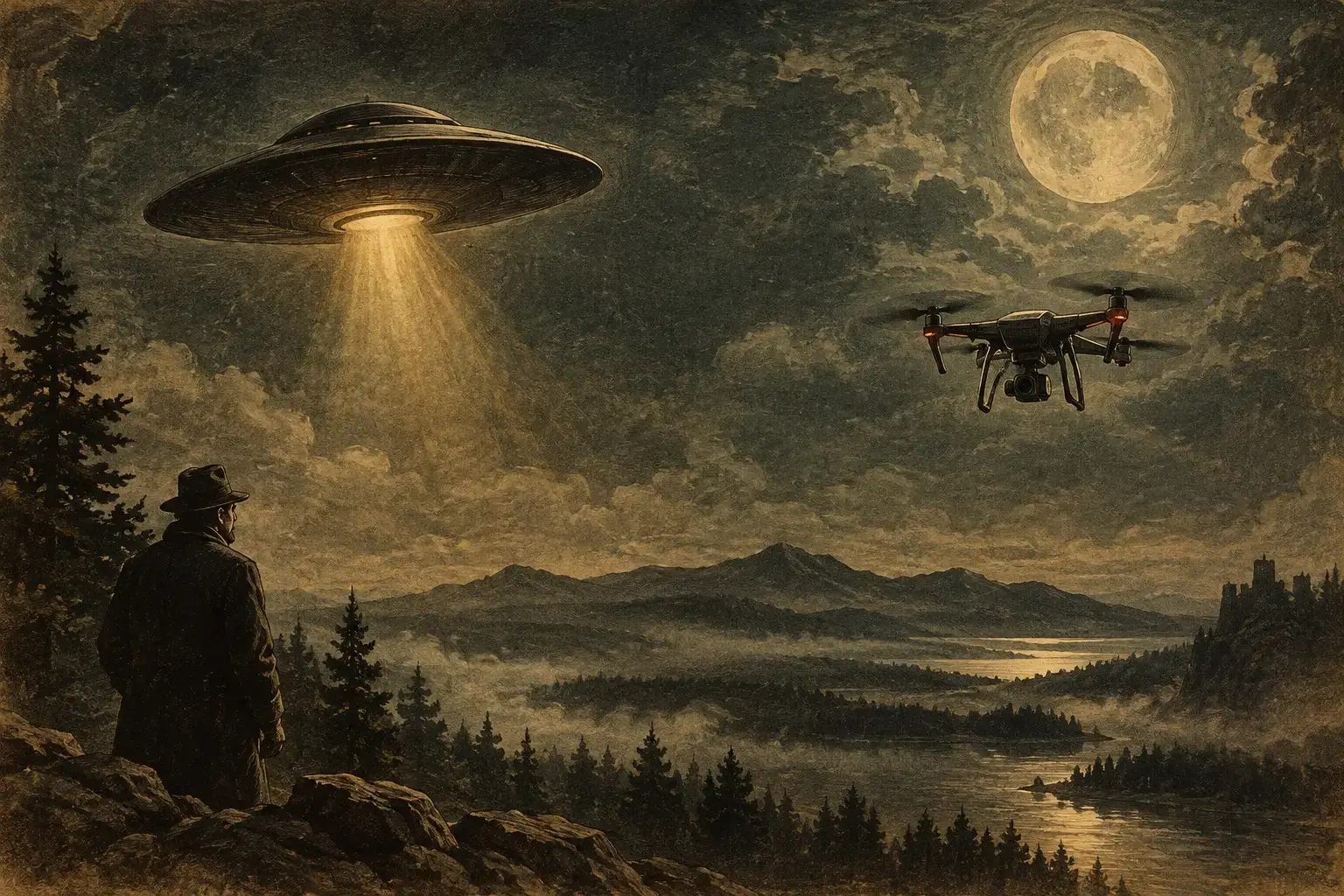
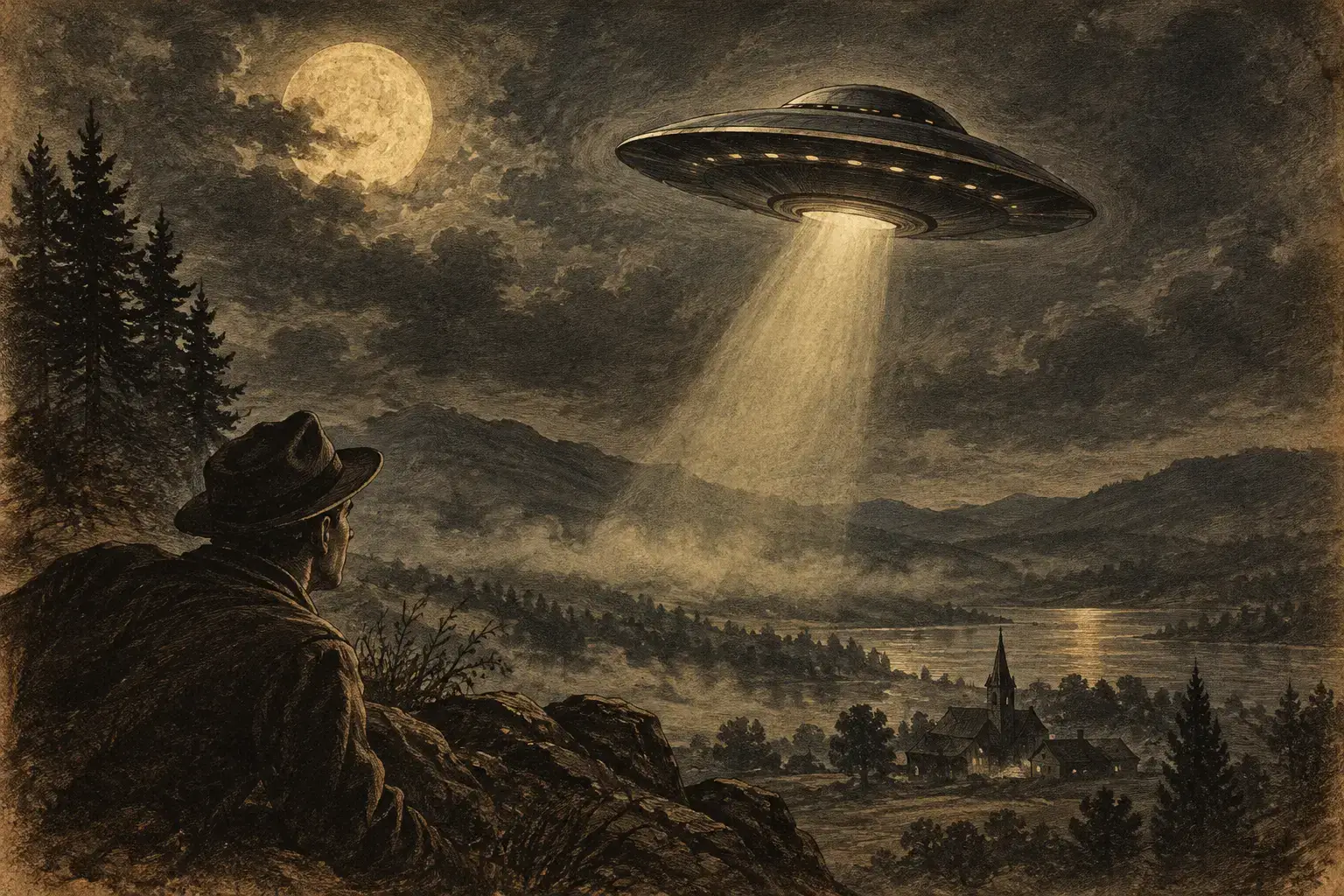
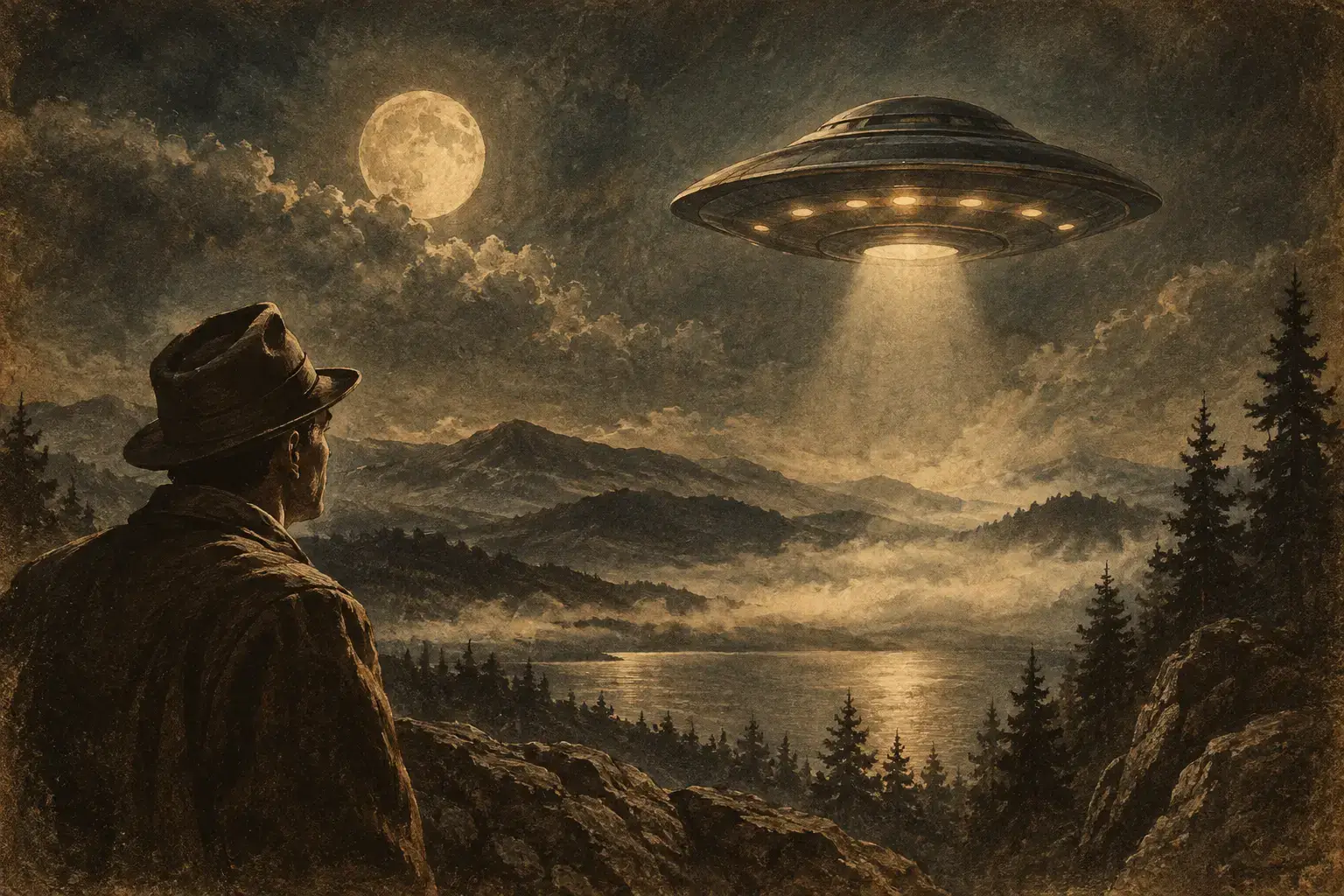
A bright point hangs over the tree line. It shifts left, stops cold, and vanishes when the camera zooms in. UFO versus drone footage often begins with exactly this kind of clip: compelling, brief, and missing the details that could settle the question.
That does not make the witness unreliable. Night skies distort distance. Phone cameras invent artifacts. And a drone pilot may be miles away, entirely unaware that someone below is recording. The goal is not to talk yourself out of an experience. It is to preserve what happened clearly enough for others to examine it.
UFO Versus Drone Footage Starts With Identification
A UFO is not automatically an alien craft. It is an unidentified flying object: something seen in the sky that the witness cannot yet explain. A drone is one possible explanation, alongside aircraft, satellites, planets, lanterns, helicopters, balloons, and camera effects.
That distinction matters when you post footage. Calling an object unidentified leaves room for the evidence to lead. Calling it a drone without confirmation can close off useful questions. Calling it extraterrestrial asks more of the footage than most footage can provide.
The strongest reports hold two ideas at once: the event was real to the witness, and the object may still have an ordinary explanation. That tension is where careful investigation begins.
Watch the movement, not just the light
A drone can hover, rise, descend, turn sharply, and travel in ways that feel unnatural compared with commercial aircraft. Consumer models can also appear silent from a distance, especially near traffic, wind, water, or a crowd. A light holding position over a neighborhood is not, by itself, evidence of something unknown.
Look for the scale of the movement. Did the object cross a known distance, such as from one roofline to another? Did it maintain a steady altitude? Did it return to the same area? Was it moving relative to stars, clouds, power lines, or the moon?
A distant plane approaching the camera can seem motionless for several minutes. A drone flying close by may seem enormous if there is no foreground reference. An object that appears to make an impossible turn may be a camera pan, a focus shift, or a small nearby insect catching infrared light.
Claims of extraordinary speed deserve special care. A point of light streaking across a phone screen may be moving fast, but it may also be a stable object made to jump by digital stabilization, zoom, or the recorder's hand.
Read the light pattern
Many drones use LEDs that blink, pulse, or cycle through colors. Red, green, and white lights are common, though there is no universal pattern for every drone or every hobbyist. Aircraft also use navigation lights, and distant planes can look like a single blinking orb when clouds or haze hide the rest of the body.
A steady light does not rule out a drone. Neither does a silent object rule out an aircraft. Still, repeated flashes at regular intervals, paired lights, or a visible low-altitude flight path are useful details to record.
Notice whether the light illuminates nearby clouds or ground. Note if the apparent color changes only when you zoom. Phone sensors often turn small bright objects into shifting green, blue, or red shapes. Those colors may belong to the camera, not the sky.
Sound can help, but absence is not proof
If you hear a buzz, whine, propeller noise, engine rumble, or radio-like sound, record it without speaking over it. Then describe your surroundings. Wind direction, nearby roads, barking dogs, and distance from the object all affect what a microphone captures.
No sound is still a data point. It is not a conclusion. A phone microphone has limits, and an object far enough away to be quiet may look closer than it is.
When the Camera Becomes Part of the Mystery
Most unexplained-looking footage is not fake. It is often a genuine recording of an event made harder to interpret by the camera itself.
Digital zoom enlarges pixels, not evidence. It can turn a distant light into a pulsing shape with apparent edges, windows, or rotating surfaces. Autofocus can cause an out-of-focus point of light to become a diamond, triangle, or glowing orb. Motion blur may create trails that look like speed. Compression can make a dark sky crawl with blocks and flicker.
Lens flare is another frequent culprit. If a bright streetlight, porch light, moon, or vehicle light sits just outside the frame, a reflection can drift across the image as the camera moves. Test this if possible: point the camera in a different direction, cover the lens edge, or move behind a building. A flare often behaves with the lens, not with the landscape.
Do not delete the original file after trimming a clip for social media. The original may retain creation time, duration, resolution, audio, and other details that disappear after an upload or edit. A short edited version can tell a story. The original gives the story a foundation.
Capture the Scene Before It Changes
The best follow-up is rarely a longer zoom. It is context.
If the object is still visible, take a wide shot first. Include rooftops, trees, poles, roads, or landmarks. Then capture a closer view without using extreme digital zoom. Keep the camera as still as you can and narrate simple observations in real time: direction, approximate height, weather, and what the object is doing.
After the object is gone, write down the details while they are fresh. Four details are especially useful when sharing a report:
- the exact date, local time, and nearest city or general area
- the direction you faced and any fixed landmarks in frame
- cloud cover, wind, visibility, and whether the moon was visible
- how long the sighting lasted, what changed, and whether anyone else saw it
If you were with others, ask each person to write their account separately before comparing notes. People naturally influence one another's memory, especially after a startling event. Separate accounts can reveal what everyone agreed on and what only one witness noticed.
Do not add dramatic music, filters, slowed motion, arrows, or captions to the only copy of your clip. Those edits may be useful for presentation, but preserve an untouched version first. If you brighten the image, say so. If you combine clips, label the sequence. Clear handling makes a report more credible, even when the answer remains uncertain.
How to Label an Uncertain Sighting
Use the category that describes what you know, not what you hope the object was. If the sighting involves an unexplained object in the sky, UFO is a fair starting classification. In the written account, mention that a drone remains possible if it does. If you later identify it as a drone, aircraft, or satellite, update the report rather than treating a mundane answer as a failure.
A good witness account separates observation from interpretation. “A white light moved west above the lake, paused for about 20 seconds, then dimmed” is observation. “It was surveilling us” is interpretation. Both may belong in the story, but readers need to know which is which.
At Haunting.org, the most useful submissions preserve that line. Tell people what you saw, what you felt, and what the file actually shows. Let the community inspect the gap between them.
Leave Room for the Unknown
Not every strange light needs an instant verdict. Some recordings will resolve into a drone. Others will remain too distant, dark, or incomplete to identify honestly. A few may continue to resist easy explanation.
Keep the raw file. Record the place, time, and conditions. Share the witness account without forcing an answer. The question is not whether a clip looks strange at first glance. It is what remains strange after the details are allowed to speak.